
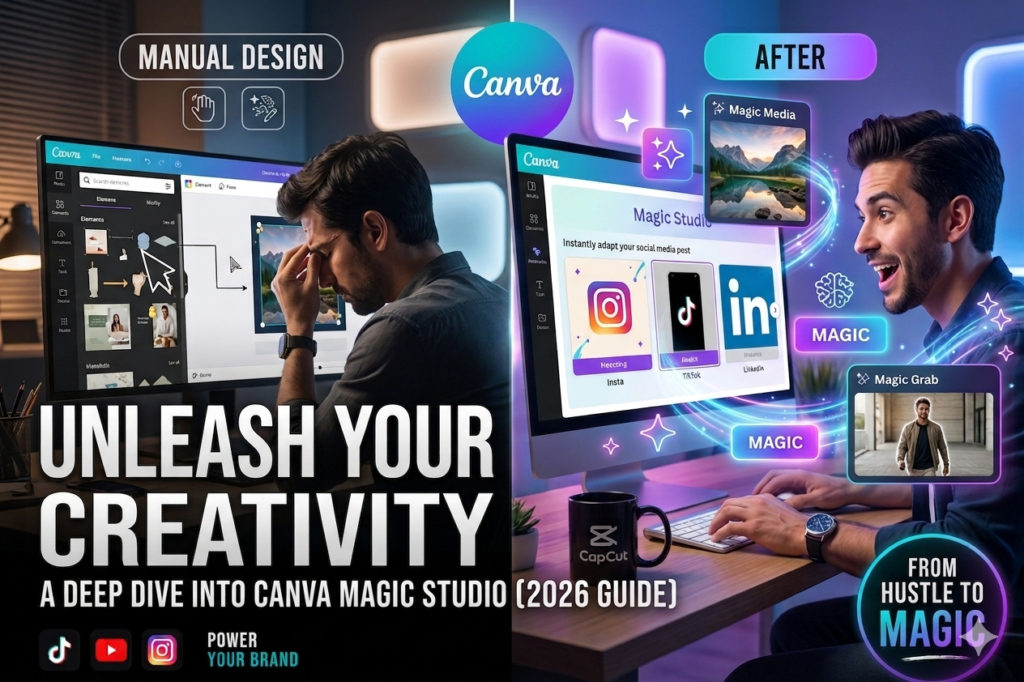
In the past, graphic design was reserved for those who spent years learning complex software. Today, in 2026, the playing field has leveled. With Canva Magic Studio, anyone with an idea can become a visual storyteller.
1. The Power of “Magic Media”
The most revolutionary feature in Canva’s suite is Magic Media. It allows you to transform text into images or even videos.
-
Why it matters: Need a specific background for your YouTube thumbnail? Instead of searching for hours on stock photo sites, just type “Cyberpunk futuristic office” and watch the AI generate it for you.
-
Pro Tip: Use specific descriptors like “lighting,” “mood,” and “art style” to get the best results from the AI.
2. Magic Switch: One Design, Infinite Platforms
One of the biggest headaches for creators is resizing content. You design a beautiful Instagram post, but now you need it for a LinkedIn banner, an X header, and a Facebook story.
-
The Magic: With Magic Switch, Canva automatically rearranges your elements to fit any dimension you choose. It literally does in two clicks what used to take an hour of manual resizing.
3. Magic Grab: Editing Reality
Have you ever loved a layout but hated the placement of the subject? With Magic Grab, you can “grab” any element in an image—be it a person, a tree, or a product—and move it around as if you were editing a layered graphic. It’s like magic, literally.
Conclusion: The Future is Automated
Canva Magic Studio is designed for one purpose: to give you back your time. By automating the technical aspects of design, it allows you to focus on the one thing that truly matters: your creativity. Start experimenting with Magic Studio today and watch your workflow transform.
(ChatGPT/Claude Scripting)
Title: Writing Like a Pro: How AI Transforms Your Scriptwriting Process
Great videos start with great scripts. Whether you are creating a tutorial, a vlog, or a brand promotion, the structure of your content determines your viewer retention. Here is how you can use AI to build scripts that hook your audience.
1. The “Hook-Body-CTA” Formula
AI tools are exceptionally good at following structures. When writing a script, always provide the AI with this framework:
-
The Hook (0-5s): Something that sparks curiosity or addresses a pain point.
-
The Body: The core value or tutorial steps.
-
The CTA (Call to Action): What you want the viewer to do next (e.g., subscribe, visit your site, or download a template).
2. Refining Tone and Voice
One common mistake creators make is accepting the AI’s first draft. The key to “humanizing” AI content is Iterative Prompting.
-
Instead of saying “Write a script,” say: “Write a script in a conversational, energetic, and slightly humorous tone, aimed at beginners interested in video editing.”
-
Pro Tip: Ask the AI to write “shorter, punchier sentences.” This makes the script easier to read aloud.
3. Using AI for Research and Outlining
Don’t just use AI to write; use it to research. Ask it to “List the 5 most common mistakes beginners make when editing videos on CapCut.” This gives you instant expert-level talking points for your video.
Conclusion: Collaboration, Not Replacement
AI is not here to replace the creator; it is here to replace the “blank page syndrome.” By using AI as your research assistant and initial drafter, you can produce higher-quality content faster than ever before