
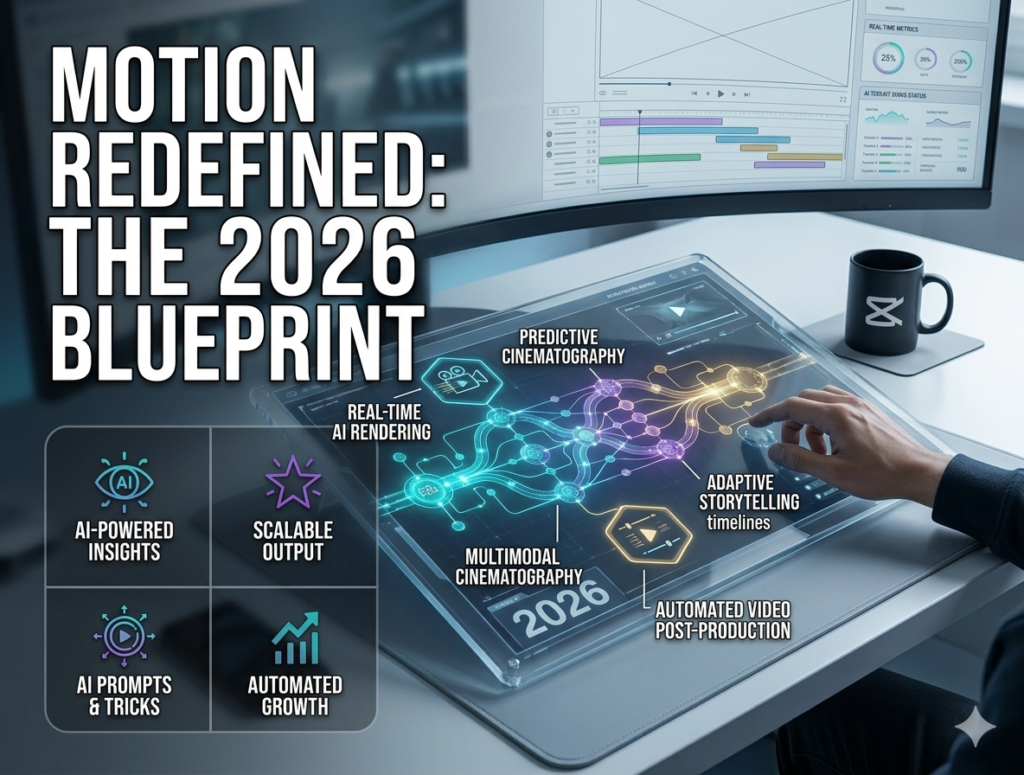
If 2025 was the year AI learned to write and draw, 2026 is the year it learned to move. Video is the undisputed king of digital content, and the barrier to creating cinematic, high-quality video has officially collapsed. For creators, this isn’t just a new tool—it’s a complete industry overhaul.
Why AI Video is the Ultimate Game Changer
In the past, high-quality video production required thousands of dollars in equipment, editing software, and hours of tedious rendering. Today, a single creator with a strong vision and the right AI workflow can produce a short film or a branded commercial in a fraction of the time.
-
Hyper-Realistic Storytelling: AI can now generate realistic human movements, complex lighting, and physical interactions that were once impossible without CGI.
-
Massive Scalability: Need to create 10 different versions of a video ad for A/B testing? AI can modify the scene, the product, and even the “actor” instantly.
-
Accessibility: You don’t need a film degree. You need a creative mind, a good prompt, and the ability to curate the output.
The Essential AI Video Toolkit
To stay ahead, you need to familiarize yourself with the tools currently setting the standard:
-
Sora (The Cinematic Titan): Renowned for its ability to create complex scenes with multiple characters and detailed backgrounds that hold consistency over longer durations.
-
Runway Gen-3 (The Creative Studio): The go-to for precise control. It offers advanced tools like “Motion Brush,” which allows you to animate specific parts of an image (like making a river flow or a character walk).
-
Luma Dream Machine: Excellent for fast, high-quality generation. It is perfect for creators who need quick social media clips that are visually stunning and highly engaging.
The “Director’s Workflow”: How to Create AI Videos That Don’t Look Like “AI”
The biggest trap in AI video is the “uncanny valley”—that awkward, unrealistic look. Here is your workflow to avoid it:
-
Start with a Storyboard: Don’t just prompt. Sketch out your scenes first. AI struggles with long, continuous shots, so break your video into 3-5 second segments.
-
Consistency is Key: Use “Character Reference” features. Most AI tools now allow you to upload a photo of your character to keep their look the same throughout the entire video.
-
The “B-Roll” Strategy: Use AI for b-roll, not necessarily for the entire production. Mixing real-life footage with AI-enhanced backgrounds or effects is often the most professional approach.
Comparison: Traditional Filmmaking vs. AI Workflow
| Feature | Traditional Video | AI-Driven Video |
| Budget | High (Gear, Crew) | Low (Subscription) |
| Production Time | Weeks/Months | Hours/Days |
| Flexibility | Rigid | Extremely High |
| Learning Curve | Years | Days/Weeks |
Frequently Asked Questions (FAQ)
Q: Is AI video going to replace human actors and cinematographers?
A: AI is a tool, not a replacement. Human creativity—the ability to tell a story that resonates emotionally—is something AI cannot copy. Actors and cinematographers who use AI will simply become faster and more effective.
Q: How do I handle the “moving parts” issue in AI video?
A: AI still struggles with complex hand movements. Stick to wider shots or use specific motion control tools to limit the range of action until the technology catches up.
Q: Can I use AI video for commercial work?
A: Yes, but always check the terms of service of the specific AI tool you are using to ensure you have the commercial rights to the output.
Conclusion: Become the Director of Your Vision
In 2026, the power is firmly in the hands of the creator. The technology that once belonged to Hollywood studios is now accessible from your laptop. The question is no longer “How do I make a video?” but rather “What story am I going to tell today?”
Start small. Use AI to generate a 5-second intro for your next YouTube video. Once you master that, move to longer sequences. Your “CreatorFlow” is evolving—make sure your content evolves with it.
What is the one thing you are most excited (or nervous) about regarding AI video? Let’s discuss it in the comments!
-
Ready to build your own production pipeline? Click here to access the Master Template.