
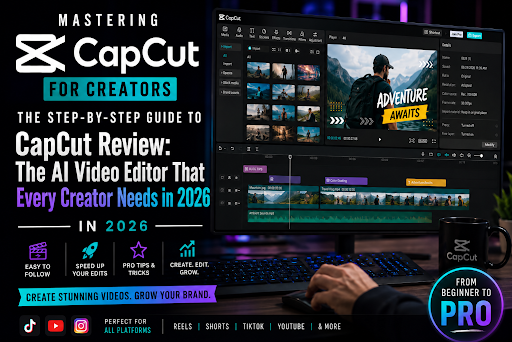
Introduction: The Short-Form Video Explosion
Video content is not just the future; it is the present. In 2026, platforms like TikTok, YouTube Shorts, and Instagram Reels have become the primary battlegrounds for creators. However, traditional video editing software is often too complex and time-consuming for the rapid pace of social media. This is where CapCut has become an indispensable tool. It bridges the gap between professional-grade editing and ease of use, powered by a robust AI engine. In this review, we examine why CapCut is the go-to editor for modern content creators.
Why CapCut Dominates the Market
The main reason CapCut has gained such a massive following is its ability to handle complex tasks with just a few clicks. For a creator, time is the most valuable resource. CapCut’s interface is designed for speed, allowing you to go from raw footage to a polished, viral-ready video in minutes.
Key AI Features for 2026
-
Auto-Captions & Subtitles: Nothing boosts engagement like clear subtitles. CapCut’s AI-powered auto-captioning feature is incredibly accurate. It not only transcribes your speech but also formats it into dynamic, attention-grabbing text styles that keep viewers locked on the screen.
-
AI Background Removal: Need to put yourself in a different environment without a green screen? CapCut’s background removal tool is remarkably precise. It isolates your subject and allows you to add custom backgrounds, providing a studio-level look from your living room.
-
Smart Transitions & Effects: CapCut includes a massive library of AI-enhanced transitions and effects that automatically sync to the beat of your music. This creates a professional flow that would normally take hours of manual keyframing in software like Adobe Premiere Pro.
-
Text-to-Speech (TTS): If you are camera-shy or don’t want to record your own voice, CapCut’s AI text-to-speech features offer incredibly realistic and human-like voices that you can use to narrate your videos.
Workflow Efficiency: Speed is Everything
In 2026, trends move fast. If you spend three days editing a video, the trend might already be over by the time you publish. CapCut is built for high-speed workflows. Its “Cloud Sync” feature also means you can start editing on your phone during your commute and finish the final touches on your laptop at home. This level of flexibility is essential for the “always-on” creator.
The Impact on Creator Growth
High-retention videos lead to higher visibility on social platforms. When you use CapCut to create fast-paced, visually engaging, and perfectly subtitled content, you are directly signaling to the algorithm that your content is valuable. This leads to more views, more followers, and eventually, more opportunities for monetization.
Conclusion: Is CapCut the Best?
Whether you are a beginner or a seasoned video producer, CapCut offers the best balance of power and simplicity. In 2026, it is not just an editing app; it is a creative companion that removes the technical barriers to high-quality video production. If you want to scale your video content output without sacrificing quality, CapCut is the tool you have been waiting for.
Ready to build your own production pipeline? Click here to access the Master Template.